
How to Stop My Phone from Roaming: Easy & Affordable Tips
Managing phone roaming charges can feel like navigating a maze with hidden pitfalls. If you’ve ever checked your phone bill only to find unexpected roaming fees, you’re not alone. Many people wonder how to stop their phone from roaming and avoid those frustrating charges. Fortunately, with a few simple strategies, you can keep your phone from wandering into costly territory. This guide will walk you through easy and affordable tips to keep roaming at bay, saving you money and hassle.
Understanding Phone Roaming
Before diving into solutions, it’s helpful to understand what roaming is and why it happens. Roaming occurs when your mobile phone connects to a network that is outside your carrier’s home network coverage area, often when you travel nationally or internationally. While roaming allows you to stay connected beyond your usual area, it typically comes with additional fees because your carrier is using another company’s infrastructure.
Because these fees can add up quickly, especially when abroad, learning how to stop your phone from roaming is essential for budget-conscious users and travelers.
Disable Data Roaming on Your Phone
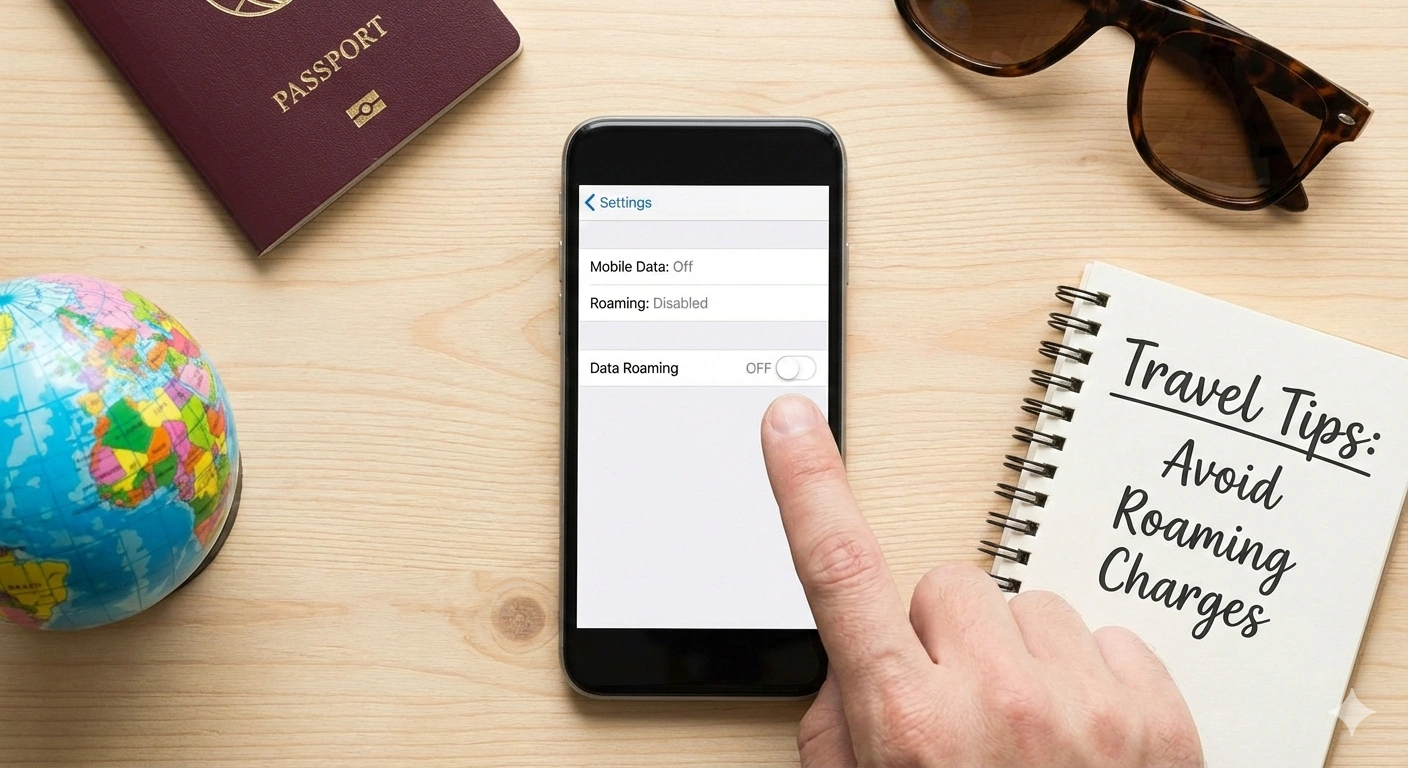
One of the simplest and most effective ways to prevent roaming charges is to disable data roaming directly from your phone’s settings. This prevents your device from automatically connecting to other networks for internet access when you’re outside your carrier’s primary coverage.
Here’s how you can do this on most devices:
– For iPhone: Go to Settings > Cellular > Cellular Data Options > and toggle off “Data Roaming.”
– For Android: Navigate to Settings > Connections > Mobile Networks > and toggle off “Data Roaming.”
By turning off data roaming, your phone will no longer use cellular data abroad or outside your local network, essentially blocking any costly data charges. Keep in mind, though, you may lose internet access if Wi-Fi is unavailable.
Use Wi-Fi Whenever Possible
Turning off roaming doesn’t mean you need to be offline. Using Wi-Fi is a great way to stay connected without incurring roaming fees. Airports, cafes, hotels, and many public places offer Wi-Fi networks.
Whenever you’re traveling or stepping into areas where roaming could kick in, make a habit of switching off mobile data and connecting your phone to a trusted Wi-Fi network instead. This way, you can check emails, browse the internet, or stay in touch on apps like WhatsApp or Messenger without spending extra.
Set Your Network Selection to Manual
By default, phones automatically select the best available network, which can include roaming providers. Changing your settings to manual network selection lets you choose a network that doesn’t result in roaming.
To adjust network settings:
– iPhone: Settings > Cellular > Network Selection > turn off “Automatic” and select your home network or any preferred network.
– Android: Settings > Connections > Mobile Networks > Network Operators > choose manually.
When abroad, manually selecting your network helps avoid automatically connecting to expensive roaming networks, especially if you want to wait for Wi-Fi or your local SIM card to activate.
Purchase a Local SIM Card or an International SIM Card
If you’re traveling internationally and want to avoid roaming fees but still stay connected, using a local SIM card is a budget-friendly option. It grants you a local phone number and data plan, often at much lower rates than roaming.
Another alternative is an international SIM card designed to offer affordable data and calls across multiple countries. These SIMs are perfect for frequent travelers or those on extended trips.
Before purchasing, make sure your phone is unlocked (not restricted to a single carrier) to accept other SIM cards.
Check with Your Carrier for Roaming Plans
Many carriers offer special roaming packages or plans, allowing you to use your phone abroad with controlled fees. These plans can include daily caps, data bundles, or discounted rates.
Before traveling, check with your provider about roaming options. Sometimes, activating a roaming plan is as easy as a quick call, an app activation, or a website sign-up. It’s often cheaper than unplanned roaming charges and gives you peace of mind.
Use Airplane Mode When Not Using Your Phone
A quick and free way to stop roaming is to switch your phone to airplane mode when you don’t need cellular connectivity. This turns off all wireless signals, including roaming data.
While in airplane mode, you can still connect to Wi-Fi to use internet-based apps and messaging services. Just know that you won’t be able to make or receive calls or texts via your mobile network until you turn airplane mode off.
Track Your Usage and Set Data Limits
Many smartphones and carriers provide tools to monitor your data usage and alert you when you are nearing your limits. Setting data limits can prevent accidental roaming charges by disabling data once you hit a predefined threshold.
You can often enable these features in your phone’s settings or carrier’s app. Staying aware of your data consumption is a practical method for avoiding unexpected fees whether at home or abroad.
Conclusion
Learning how to stop your phone from roaming doesn’t have to be complicated or expensive. By disabling data roaming, relying on Wi-Fi, manually selecting your network, or using local SIM cards, you can keep your phone bills predictable and affordable. Don’t forget to explore roaming plans offered by your carrier and leverage tools to monitor usage. With these easy and affordable tips, you can enjoy peace of mind and connectivity wherever you go—without the surprises on your phone bill.
Stop the ‘bill shock’ before it starts: Disable your carrier’s roaming settings today and switch to a Commbitz eSIM for transparent, local rates in over 190 countries.